

Colleagues within reach.
Search by name, department or job title.
Effecta Connect: Contacts
In a hospital or emergency response centre every second counts. Contacts collects contact details from all your sources (Entra ID, phone system, HR, databases) and shows them in an app that is always correct. No paper lists, no outdated numbers.
In production at a large hospital in Rotterdam.
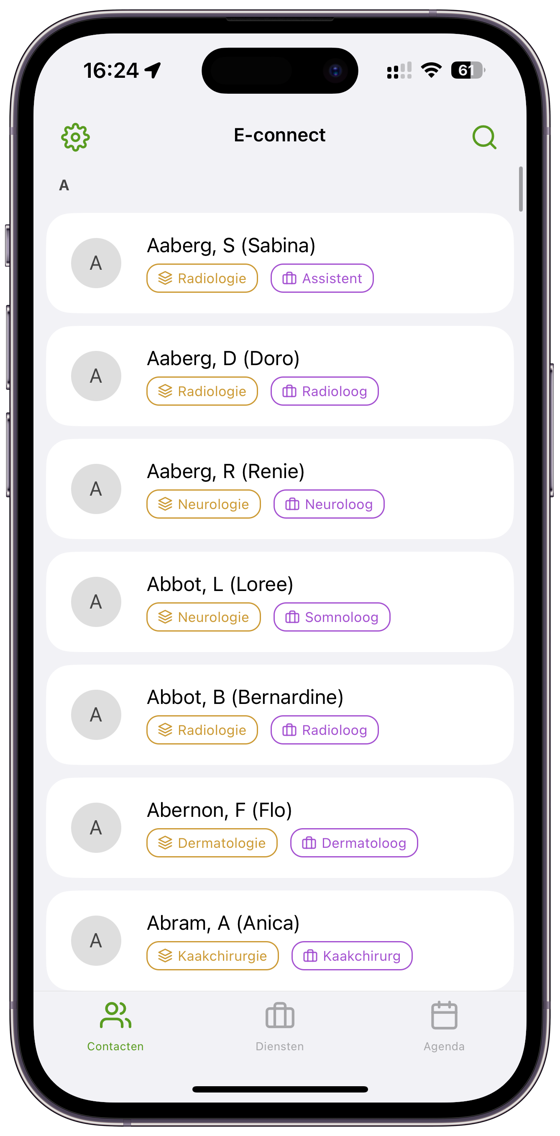
In the app
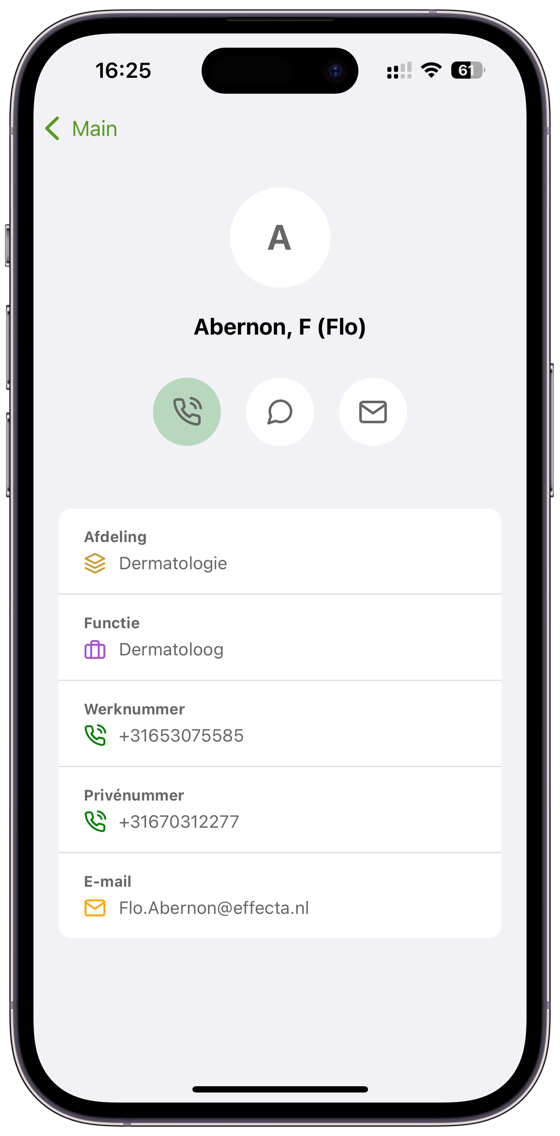
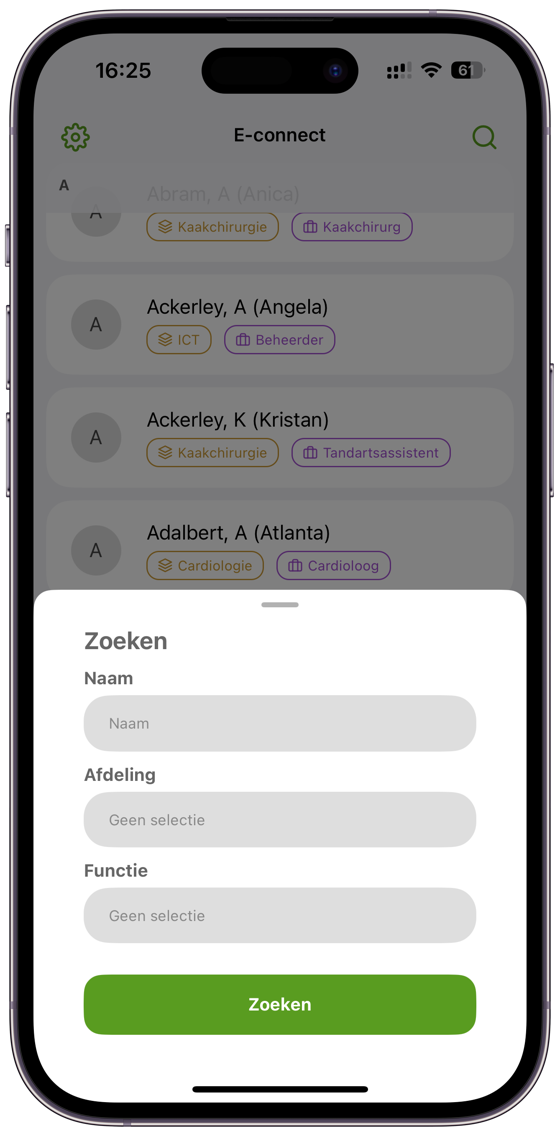
Three screens from the app as colleagues use it every day: the list with department and job title, a colleague’s card with work and private number, and search by name, department or job title.
Features
Search by name, department or job title.
Entra ID, REST APIs and SQL databases. Other sources on request.
See which colleague is calling, on supported devices.
Immediately clear who does what and where.
From iOS 15.1.
Cloud deployment, no servers of your own needed.
Authorised users only, automatic synchronisation with source systems.

When you need this
Works with
View all integrationsMore about Contacts
A digital phone directory for organisations sounds like something the intranet already does. Yet in many hospitals, municipalities and emergency response centres the most used source is still a printed overview at reception or an Excel file from last year. The problem is not that the data does not exist, but that it sits in four places: in Entra ID, in the phone system, at HR and in a colleague’s head. Contacts brings those sources together and updates them automatically.
That makes the difference at the moment it counts. The nurse who needs the doctor on duty, the reception desk that has to put a visitor through, the operator looking for second-line support: they all search by name, department or job title and call directly from the app. Without first asking whether the number is still correct.
A who’s who app adds a face and context to the number. New employees recognise colleagues in the corridor, and anyone calling a department sees who works there and what they do. For organisations with many locations or district teams, it is often the first time everyone uses the same list. Combine it with Shifts and you also see who is on duty right now. For IT: view the integrations with Entra ID, REST and SQL.
Combine with Shifts
As well as the phone directory, do you want to see who is on duty right now and have service numbers forwarded automatically? You can with Shifts, in the same app.
More about ShiftsIn a 30-minute demo we show it on real data.